

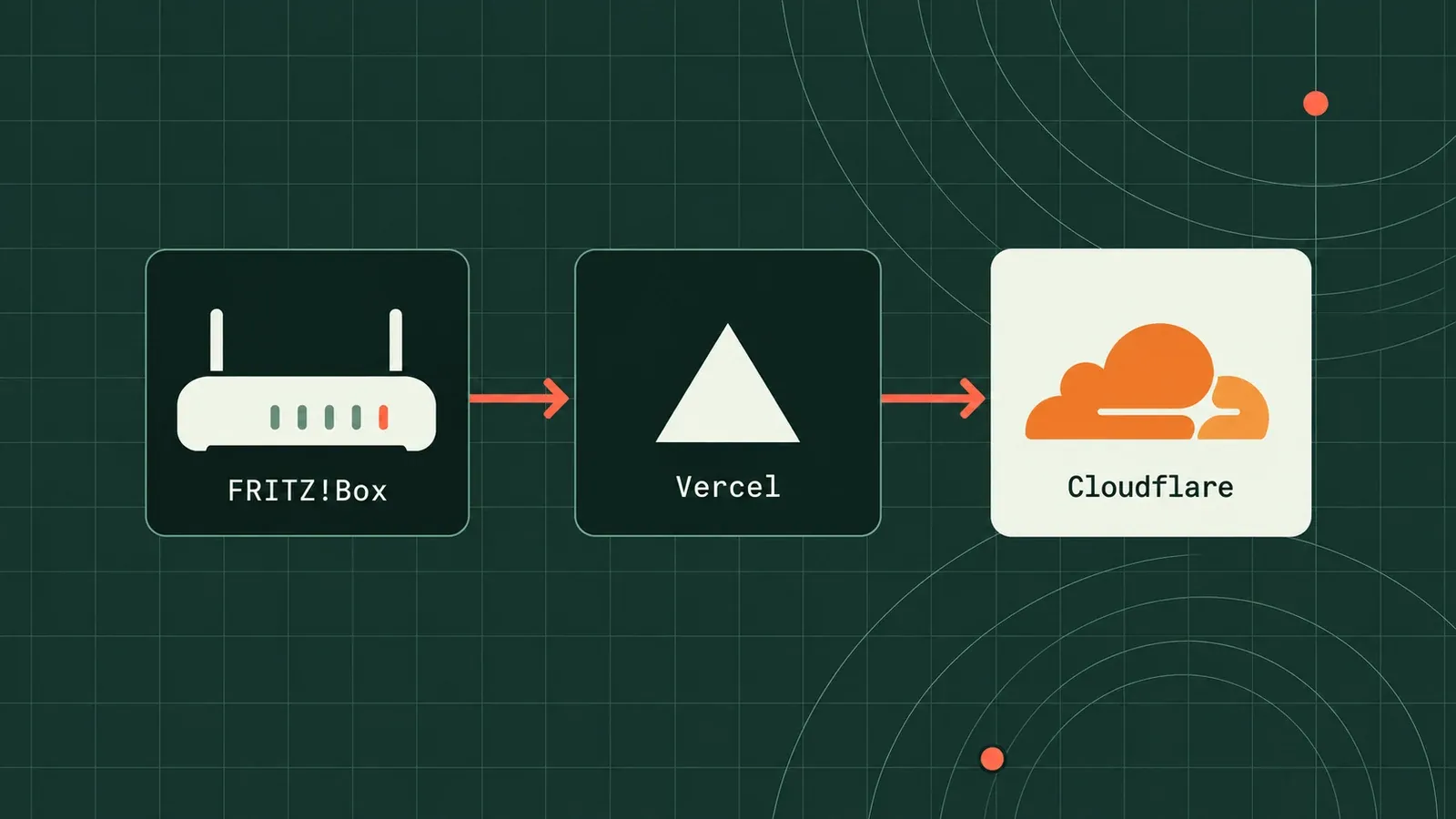
Idea
At home, I have a FritzBox router, a home server, and Home Assistant running on a Raspberry Pi. Since I don’t have a static IP address, I need a way to access the server and Pi from outside through DNS. That requires a dynamic DNS record that updates whenever the router’s IP address changes. My router has a built-in DynDNS function, but it doesn’t work with Cloudflare. Since it only sends a GET request to a specific URL, I can use a serverless function to handle the request and update the DNS record. The code for this is quite simple, and can be seen here fritz-dns
I adapted the idea from the old PHP code I previously hosted on my server. Since I didn’t want to pay for another server, I decided to use Vercel serverless functions. Original idea
I only had to migrate it to JavaScript and use the Cloudflare library to update the DNS record. A random token ensures that only I can send the request, then the function updates the DNS record with the new IP address.
That’s it. This week was kinda short, but that’s because I didn’t do that much, since it took like 2 hours to find out what the problem was.
Code
import { NextRequest, NextResponse } from "next/server";import Cloudflare from "cloudflare";
const client = new Cloudflare({  apiEmail: process.env["CLOUDFLARE_EMAIL"],  apiKey: process.env["CLOUDFLARE_API_KEY"],});
function isValidIPv4(ip: string) {  return /^(\d{1,3}\.){3}\d{1,3}$/.test(ip);}function isValidIPv6(ip: string) {  return /^[a-fA-F0-9:]+$/.test(ip);}
export async function GET(req: NextRequest) {  const params = Object.fromEntries(req.nextUrl.searchParams.entries());  const { cf_key, domain, ipv4, ipv6, log, proxy } = params;
  if (cf_key !== process.env["CLOUDFLARE_TOKEN"]) {    return NextResponse.json(      { error: "Invalid Cloudflare token" },      { status: 403 },    );  }
  // Logging helper (console only)  function wlog(level: string, msg: string) {    if (log === "true") {      // Optionally, write to a file or external log here      console.log(`${new Date().toISOString()} - ${level} - ${msg}`);    }  }
  wlog("INFO", "===== Starting Script =====");
  if (!cf_key || !domain) {    wlog("ERROR", "Parameter(s) missing or invalid");    wlog("INFO", "Script aborted");    return NextResponse.json(      { error: "Parameter(s) missing or invalid" },      { status: 400 },    );  }
  let validIPv4 = ipv4 && isValidIPv4(ipv4) ? ipv4 : null;  let validIPv6 = ipv6 && isValidIPv6(ipv6) ? ipv6 : null;
  if (!validIPv4) {    wlog("ERROR", "Neither IPv4 nor IPv6 available.");    wlog("INFO", "Script aborted");    return NextResponse.json(      { error: "Neither IPv4 nor IPv6 available." },      { status: 400 },    );  }
  const proxied = proxy === "true";  wlog("INFO", `Record will${proxied ? "" : " not"} be proxied by Cloudflare`);
  // Automatically fetches more pages as needed.  for await (const zone of client.zones.list()) {    if (domain.includes(zone.name)) {      const list = await client.dns.records.list({ zone_id: zone.id });      const record = list.result.find((r: any) => r.name === domain);      if (!record) {        wlog("ERROR", `Record ${domain} not found`);        wlog("INFO", "Script aborted");        return NextResponse.json(          { error: `Record ${domain} not found` },          { status: 404 },        );      }      await client.dns.records.update(record.id, {        zone_id: zone.id,        type: "A",        name: domain,        content: validIPv4,        ttl: 2 * 60,      });      break;    }  }
  wlog("INFO", "===== Script completed =====");  return NextResponse.json(    { message: "IP updated successfully" },    { status: 200 },  );}